MyLifts
Choose one thing to compare
Begin with the same exercise, equipment and setup. Record the weight, repetitions and sets, then add any details that would otherwise be easy to forget: seat setting, grip, machine model or assistance level. Without that context, a larger number may simply describe a different exercise.
For an illustration, suppose your plan uses three sets in an 8–12 repetition range. At one selected weight you record 10, 9 and 8. On a later visit you record 11, 10 and 9 with the same setup and controlled movement. That is useful progress even though you have not increased the weight.
- Save an exercise and a clear setup note before using it as a baseline.
- Record each completed working set, including the actual load and repetitions.
- Repeat the setup on a later visit and compare like with like.
- When you consistently reach the top of your chosen range with control, consider a small available load increase.
- Record the new result and reassess. If the increase is too large to maintain the planned movement, return to a more manageable load.
Progress does not need a weekly deadline
The example above is a decision rule, not a promise that weight should rise every week. Keep an honest record when a session is harder, when you reduce the load or when you return after a break. Those entries make the next decision easier than rewriting the plan to hide a difficult session.
Change one variable at a time when you want a clear comparison. Adding weight, adding sets and reducing rest together makes it difficult to tell which change affected the result. Keep a note when your schedule or equipment forces a different session.
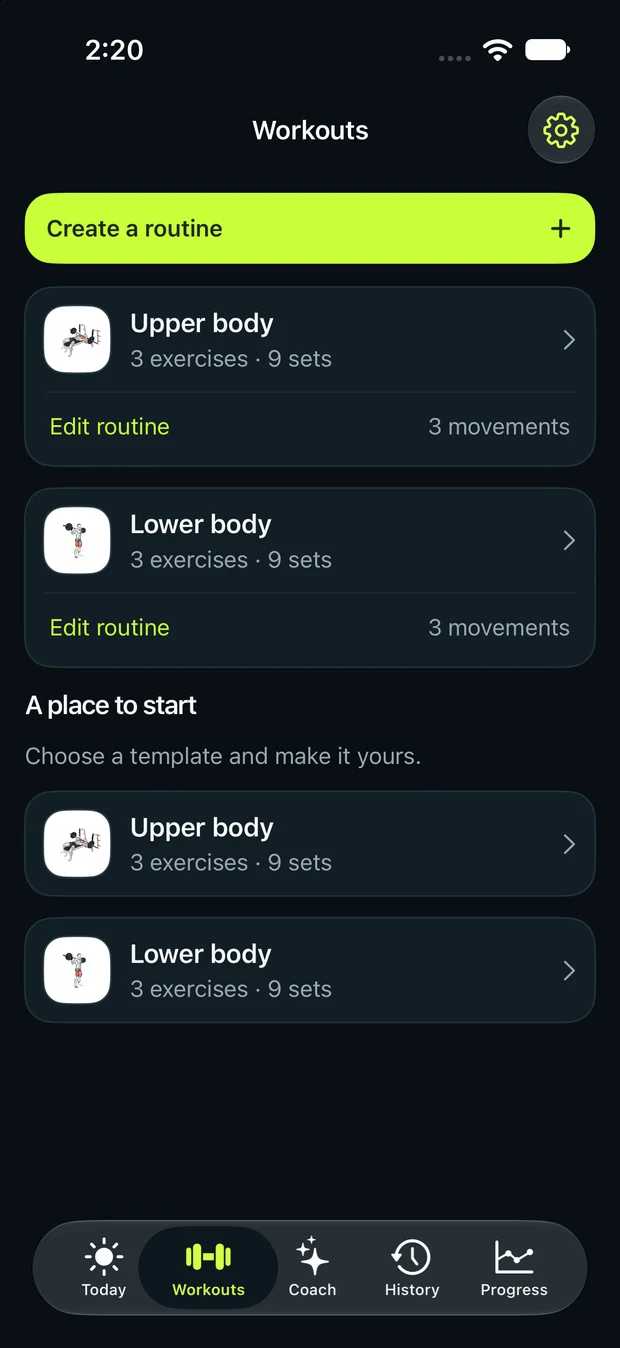
Use the workout preview as a starting structure, then log what you actually complete. A planned set is not a completed set. The purpose of the history is to support your next sensible choice, so accurate entries are more valuable than a continuous streak of bigger numbers.
Common mistakes to avoid
- Increasing load on a calendar deadline despite losing control of the exercise.
- Changing the machine, range and load but treating the result as an identical comparison.
- Logging the planned repetitions instead of the repetitions actually completed.
References
- American College of Sports Medicine 2026 position stand: Resistance Training Prescription
- NASM: Progressive Overload Explained
Independent training guidance from MyLifts. The related workout is an editable example, not an individual assessment.