MyLifts
Adjust the pads while the machine is at rest
The Selection Pro manual describes a lever under the left handgrip for moving the seat forward or back. Position the seat so the backs of your knees rest comfortably against the seat support. Set the shin roller in front of your lower legs, slightly above the ankles.
The separate range-of-motion lever changes the starting position. Set it before the repetition begins. The manual specifically says not to use the adjustment lever while exercising.
- Select a light workload with the stack resting and the pin fully inserted.
- Use the entry lever as directed on the machine to lower the roller pads and sit down.
- Adjust the seat and shin pad to fit your legs; check that all adjustments are secure.
- Set a starting position you can control, then hold the side handgrips.
- Extend and return smoothly, controlling the weight throughout. Finish the set before operating the entry or adjustment lever again.
Keep a setup note beside your sets
Write down the seat position, shin-pad setting and starting-position setting if your machine shows numbers. Describe an unnumbered setting in your own words. You are creating a reminder for the next visit, so a short, specific note is enough.
Record the weight shown on the stack, including whether the additional-weight selector was engaged, then log each set's repetitions. Keep the unit explicit. A number recorded in pounds and later read as kilograms creates a misleading comparison.
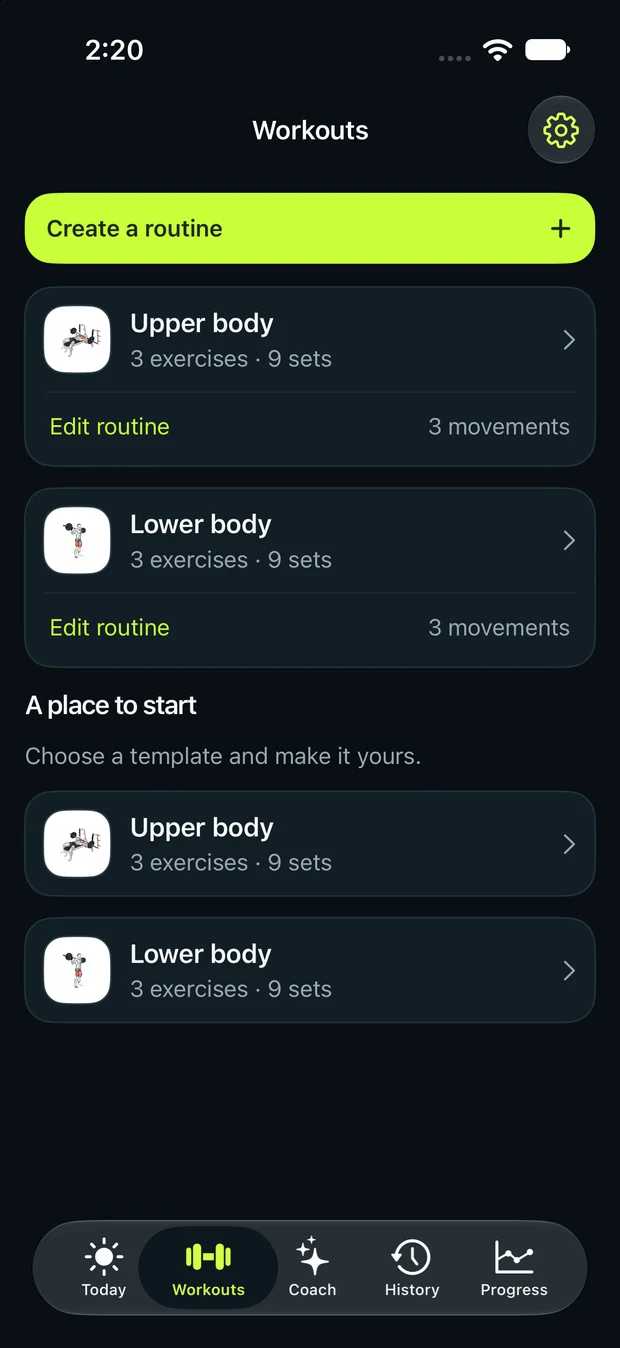
Reproduce these settings before assessing progress. If a different start position feels more suitable, update the note and treat it as a new baseline. The workout preview gives you a place to begin logging; the planned repetitions do not override the setup or range that you can perform with control.
Common mistakes to avoid
- Putting the roller across the feet instead of just above the ankles.
- Operating the range-of-motion lever while the weight is moving.
- Recording the stack number but forgetting the extra-weight selector.
References and exercise instructions
Independent guidance from MyLifts. Equipment brands belong to their owners; no affiliation or endorsement is implied. Follow the instructions on your exact equipment and ask gym staff to demonstrate unfamiliar adjustments.