Beginner gym machine workout
A simple five-machine full-body workout with two working sets per exercise, setup cues and a downloadable plan.
Preview workout ↗ MyLifts
A machine-focused leg session lets you practise a repeatable setup for each movement. This plan includes knee extension, knee flexion, a multi-joint press and smaller accessory movements.
| Exercise | Sets × reps | Rest |
|---|---|---|
| 1 Leg Press (Machine) Keep your back supported and stop the descent before your pelvis rolls away from the pad. AlternativeGoblet squat with a comfortable depth | 2 × 10 | 90s |
| 2 Seated Leg Curl (Machine) Line your knees up with the pivot and keep your hips against the seat. AlternativeLying leg curl machine | 2 × 12 | 75s |
| 3 Leg Extension (Machine) Align the machine pivot with your knee and raise the pad smoothly. AlternativeLeg press with a comfortable range | 2 × 12 | 75s |
| 4 Hip Abduction (Machine) Sit supported and open your knees slowly without bouncing the weight stack. AlternativeSide-lying hip abduction | 2 × 12 | 60s |
| 5 Standing Calf Raise (Machine) Use the handles for support and move slowly through a comfortable ankle range. AlternativeBodyweight calf raise with support | 2 × 12 | 60s |
The workout file is for the native MyLifts 2.0 and GIRLPOWER 1.0 builds with JSON backup import. MyLifts 1.x is not supported. GIRLPOWER is coming soon. Check your app version before importing.
The file adds one routine. It contains no workout history or personal records, and does not turn on optional tracking. Reimporting the same file keeps one copy and preserves later edits.
One-tap opening of this routine is not available yet. Explore MyLifts or meet GIRLPOWER.
Pick your training space. Your sets, weights and rest times belong together.
A focused workout tracker for your lifts and routines. Explore the next chapter for iPhone and iPad.
Your kind of strong. A dedicated space for strength and cardio, with its own look and training experience. Coming soon to iPhone and iPad.
Explore GIRLPOWER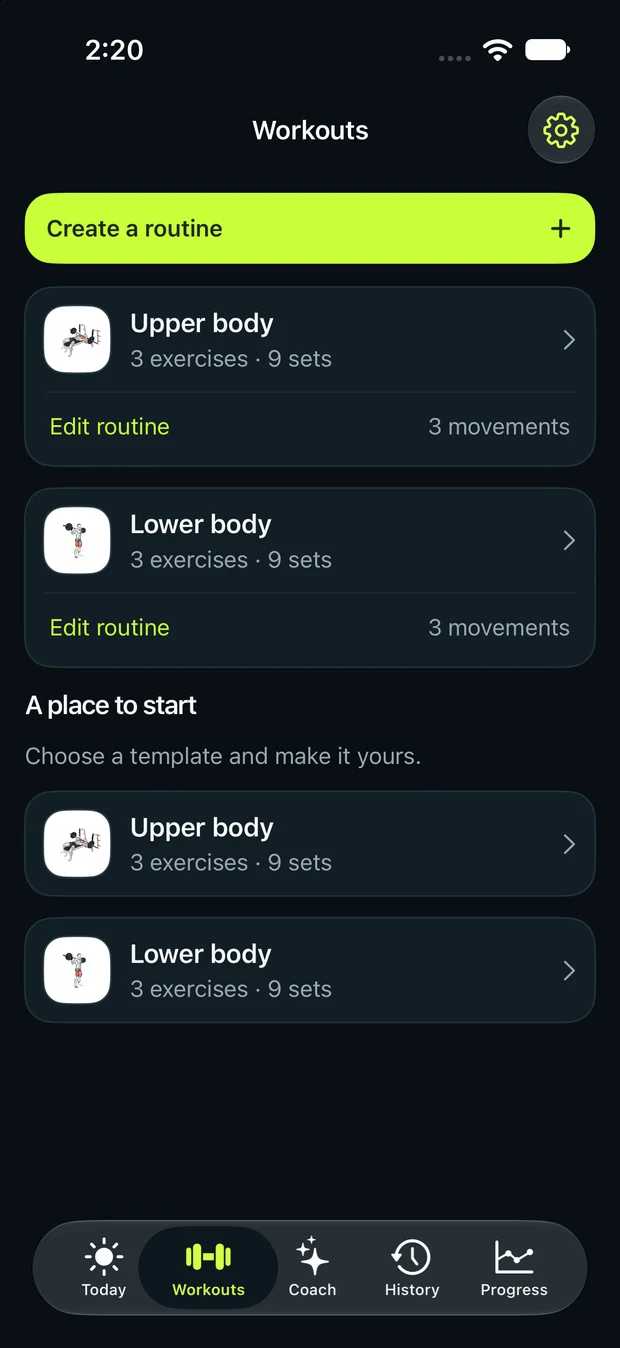
This template puts leg curls first after the leg press, but either order can work. Keep the order consistent if you want to compare performance across sessions.
Machines can train your lower-body muscles. Free-weight and balance movements are other useful options; choose a plan that fits your experience, equipment and preferences.
A simple five-machine full-body workout with two working sets per exercise, setup cues and a downloadable plan.
Preview workout ↗An upper-body gym plan using chest press, pulldown, row and shoulder press machines, plus cable arms.
Preview workout ↗A mixed-equipment leg day with goblet squats, dumbbell Romanian deadlifts, leg press, leg curls and calf raises.
Preview workout ↗