Upper-body machine workout
An upper-body gym plan using chest press, pulldown, row and shoulder press machines, plus cable arms.
Preview workout ↗ MyLifts
Use one cable station and a few attachments for direct biceps and triceps work. Alternating the two areas keeps the order simple while giving each a break between exercises.
| Exercise | Sets × reps | Rest |
|---|---|---|
| 1 Bicep Curl (Cable) Set a low pulley and curl without moving your upper arms forwards or leaning back. AlternativeDumbbell biceps curl | 2 × 12 | 60s |
| 2 Triceps Rope Pushdown Use a high pulley and extend your elbows with upper arms close to your sides. AlternativeSingle-arm cable triceps pushdown | 2 × 12 | 60s |
| 3 Hammer Curl (Cable) Use a rope with a neutral grip and keep your torso still as you curl. AlternativeDumbbell hammer curl | 2 × 12 | 60s |
| 4 Overhead Triceps Extension (Cable) Choose a stable stance and comfortable cable height; keep your upper arms steady as your elbows bend and extend. AlternativeCable triceps pushdown | 2 × 12 | 60s |
The workout file is for the native MyLifts 2.0 and GIRLPOWER 1.0 builds with JSON backup import. MyLifts 1.x is not supported. GIRLPOWER is coming soon. Check your app version before importing.
The file adds one routine. It contains no workout history or personal records, and does not turn on optional tracking. Reimporting the same file keeps one copy and preserves later edits.
One-tap opening of this routine is not available yet. Explore MyLifts or meet GIRLPOWER.
Pick your training space. Your sets, weights and rest times belong together.
A focused workout tracker for your lifts and routines. Explore the next chapter for iPhone and iPad.
Your kind of strong. A dedicated space for strength and cardio, with its own look and training experience. Coming soon to iPhone and iPad.
Explore GIRLPOWER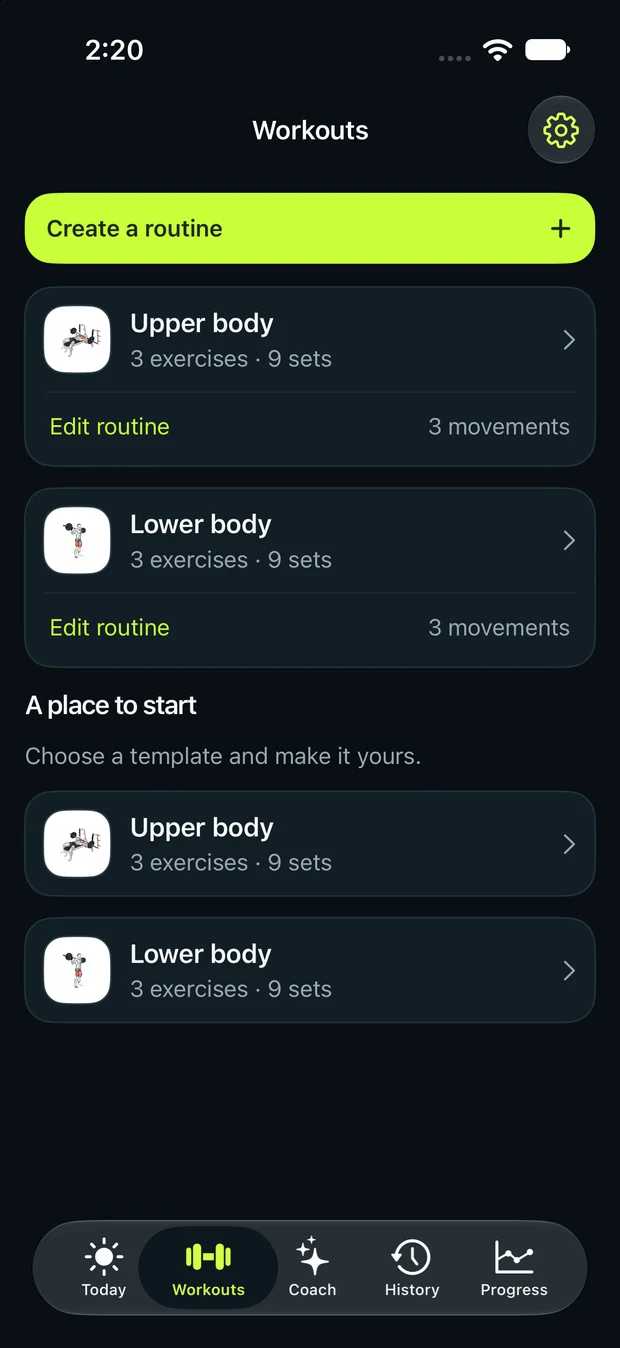
No. The second curl is optional additional work. Start with the standard curl and pushdown if you are new to training or already have a demanding upper-body routine.
Yes. Use a pushdown or another comfortable triceps movement if you cannot find a stable overhead setup. Keep the load controlled rather than forcing an unfamiliar position.
An upper-body gym plan using chest press, pulldown, row and shoulder press machines, plus cable arms.
Preview workout ↗A practical push workout for chest, shoulders and triceps with presses, lateral raises and cable pushdowns.
Preview workout ↗A cable-machine workout combining a squat-to-row, chest press, pull-through, pulldown and core press, with setup cues.
Preview workout ↗