Beginner gym machine workout
A simple five-machine full-body workout with two working sets per exercise, setup cues and a downloadable plan.
Preview workout ↗ MyLifts
This session balances pushing and pulling across your chest, back, shoulders and arms. It is useful when you want a supported setup and an upper-body day that does not depend on a free bench.
| Exercise | Sets × reps | Rest |
|---|---|---|
| 1 Chest Press (Machine) Set the seat so the handles sit around mid-chest; press without shrugging. AlternativeDumbbell bench press | 2 × 10 | 90s |
| 2 Lat Pulldown (Machine) Secure the thigh pad and draw your elbows down without leaning far back. AlternativeCable lat pulldown | 2 × 10 | 90s |
| 3 Seated Row (Machine) Keep your chest supported when a pad is provided; draw the handles toward your ribs. AlternativeSeated cable row | 2 × 10 | 90s |
| 4 Seated Shoulder Press (Machine) Adjust the seat so handles begin around shoulder height and avoid arching to finish a rep. AlternativeSeated dumbbell shoulder press | 2 × 10 | 90s |
| 5 Triceps Rope Pushdown Keep your upper arms beside your torso and extend your elbows without leaning onto the rope. AlternativeSingle-arm cable triceps pushdown | 2 × 12 | 60s |
| 6 Bicep Curl (Cable) Keep your upper arms beside your torso and curl the handle without rocking backward. AlternativeDumbbell biceps curl | 2 × 12 | 60s |
The workout file is for the native MyLifts 2.0 and GIRLPOWER 1.0 builds with JSON backup import. MyLifts 1.x is not supported. GIRLPOWER is coming soon. Check your app version before importing.
The file adds one routine. It contains no workout history or personal records, and does not turn on optional tracking. Reimporting the same file keeps one copy and preserves later edits.
One-tap opening of this routine is not available yet. Explore MyLifts or meet GIRLPOWER.
Pick your training space. Your sets, weights and rest times belong together.
A focused workout tracker for your lifts and routines. Explore the next chapter for iPhone and iPad.
Your kind of strong. A dedicated space for strength and cardio, with its own look and training experience. Coming soon to iPhone and iPad.
Explore GIRLPOWER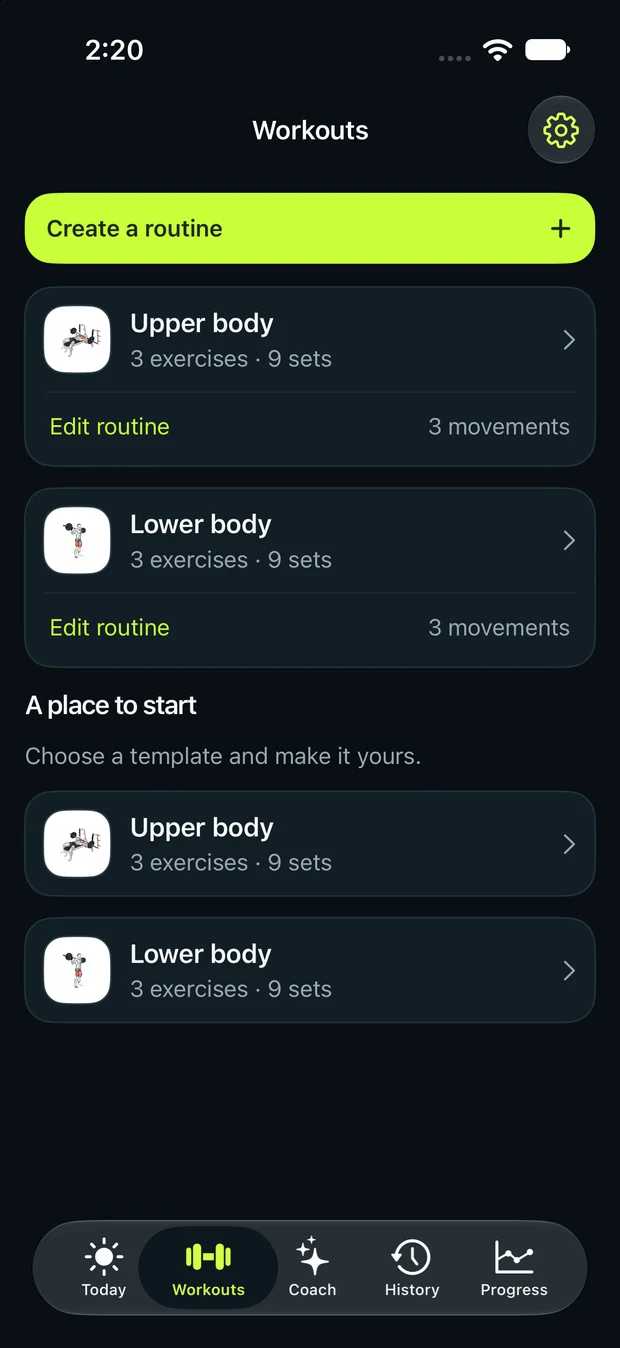
Begin with the larger chest and back movements, then shoulder press and arm exercises. You can swap chest press and pulldown if a machine is busy.
Presses and pulls already involve your arms. The last two exercises add direct triceps and biceps work; skip them if you need a shorter session.
A simple five-machine full-body workout with two working sets per exercise, setup cues and a downloadable plan.
Preview workout ↗A five-exercise lower-body machine plan covering leg press, leg curl, leg extension, hip abduction and calves.
Preview workout ↗A practical push workout for chest, shoulders and triceps with presses, lateral raises and cable pushdowns.
Preview workout ↗